By Curtis Bauer, CEO of Health iPASS®
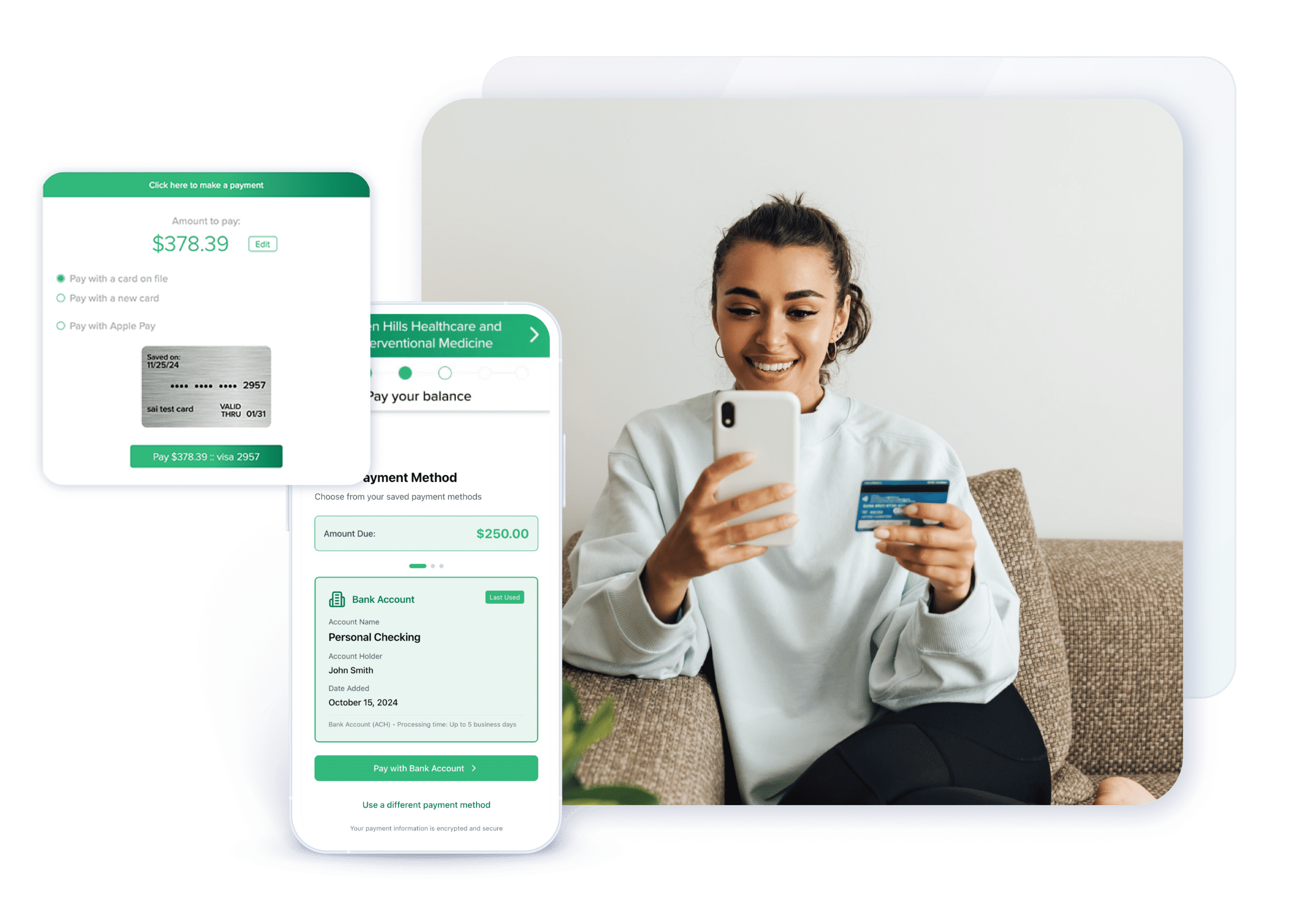
Try this before your next staff meeting. Open the payment reminder your practice sends after a visit and see how far you get on your phone. Can you find the amount due? Can you use the digital wallet you already have set up? If you need more time to pay, is it clear what to do next?
Someone who opens that reminder is already taking a step toward paying. Every extra step at checkout gives them a reason to put it off. Start by finding out where that happens in your own practice.
What bill payers say about payment options
In a survey by PYMNTS Intelligence and Paymentus, 59% of Gen Z respondents identified a digital wallet as one of their preferred ways to pay, compared with 35% of Gen X respondents. Over the previous year, 71.9% of Gen Z respondents said they had run into a payment method a biller didn’t accept, compared with 49.4% of Gen X respondents.
The survey included 2,566 U.S. adults who paid recurring bills in one or more of four sectors, including healthcare. Use those results as a reason to test what your own patients see at checkout. Read the PYMNTS analysis or see the original study.
Four checks for your patient payment workflow
- Start with the reminder. Open the same text or email you send patients. Count the steps to find the balance and reach checkout. If a portal login is required, try it as someone who has forgotten their password.
- See what works on a phone. Check which payment methods appear at checkout. Test a digital wallet and an HSA or FSA card where applicable. If the practice offers a payment option, make sure patients can find it when they need it.
- Look for payment plan instructions. If your practice offers plans, see whether a patient can find out who qualifies, what to do next and whom to contact.
- Make the call. Try asking for your balance and offering to pay it. Find out who answers, whether there’s a transfer and what happens after hours.
Ask someone who rarely works in billing to try the same steps. Pick one place where you both got stuck, fix it and run the test again.
Give staff more time for the questions that need them
A balance call sounds simple until it comes in while the front desk is checking in a patient or helping someone with an insurance question. Multiply that by a morning’s worth of calls and you can see where the time goes.
At Health iPASS, we’ve started with those everyday balance and payment requests. Our AI-powered patient engagement and payments platform helps patients check what they owe and take the next step toward payment by voice, text or web chat. That gives staff more room to handle questions that need their judgment. See how Health iPASS AI supports balance and payment workflows.
Keep exploring. See how Health iPASS Patient Payments supports online, in-office and phone payments, or read our guide to growing revenue with patient payments.