
Patient intake and engagement that lightens your front desk’s workload
Help patients complete intake before their visit and keep routine communication organized. Health iPASS® brings digital forms, check-in and patient messaging into your front desk workflow.
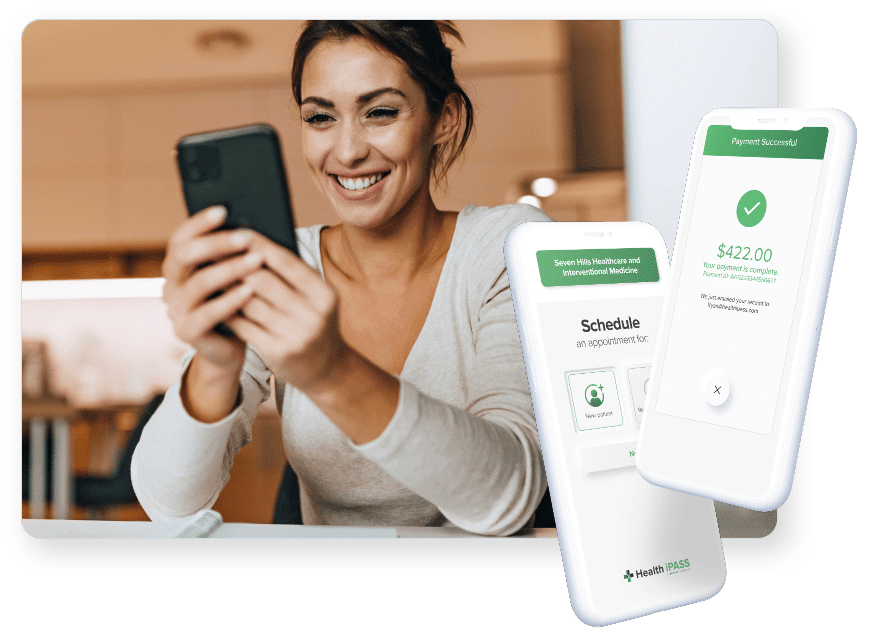
How Health iPASS Helps With Patient Intake And Engagement
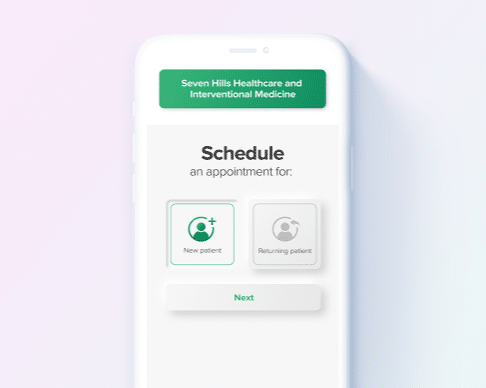
Prepare before arrival
Give patients digital forms, pre-visit questionnaires and check-in steps before their appointment. Completing intake ahead of time gives patients a chance to gather information and work through questions at their own pace. Help patients arrive with routine intake steps already completed so your team can focus on questions and items that need attention.
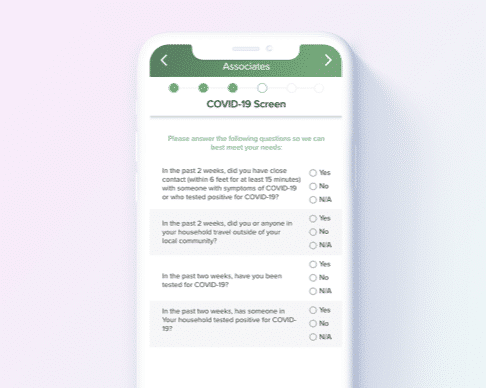
Keep the conversation organized
Use appointment reminders to help patients prepare and two-way messaging to handle routine questions in the same conversation. Broadcast messaging supports relevant practice updates, helping your team communicate without calling each patient individually.
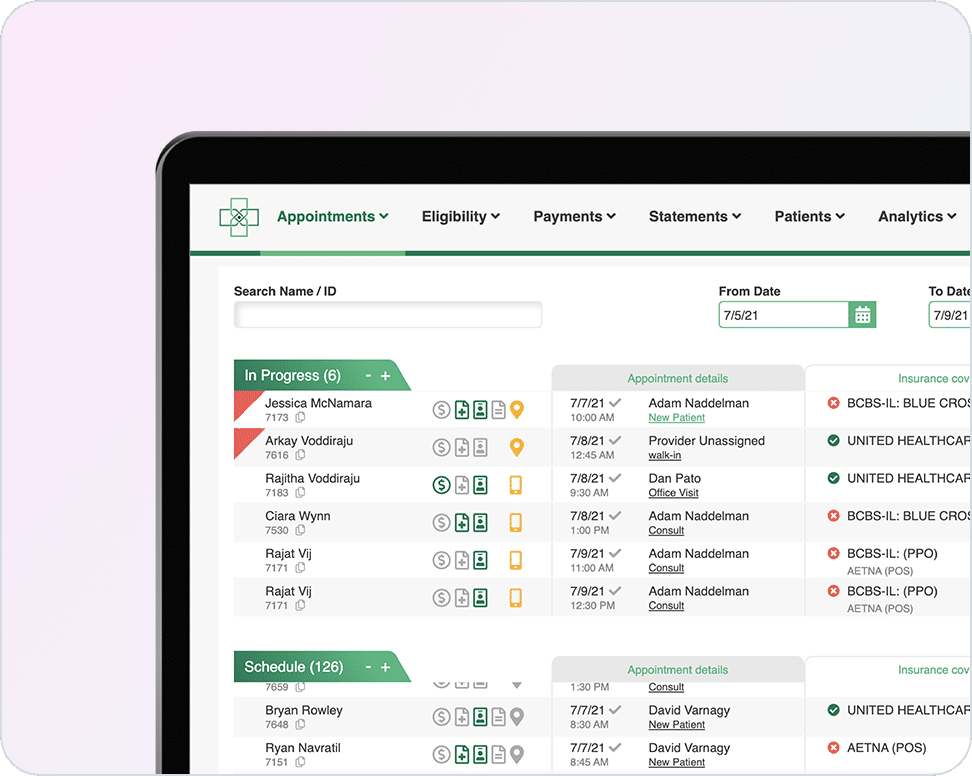
Support the front desk
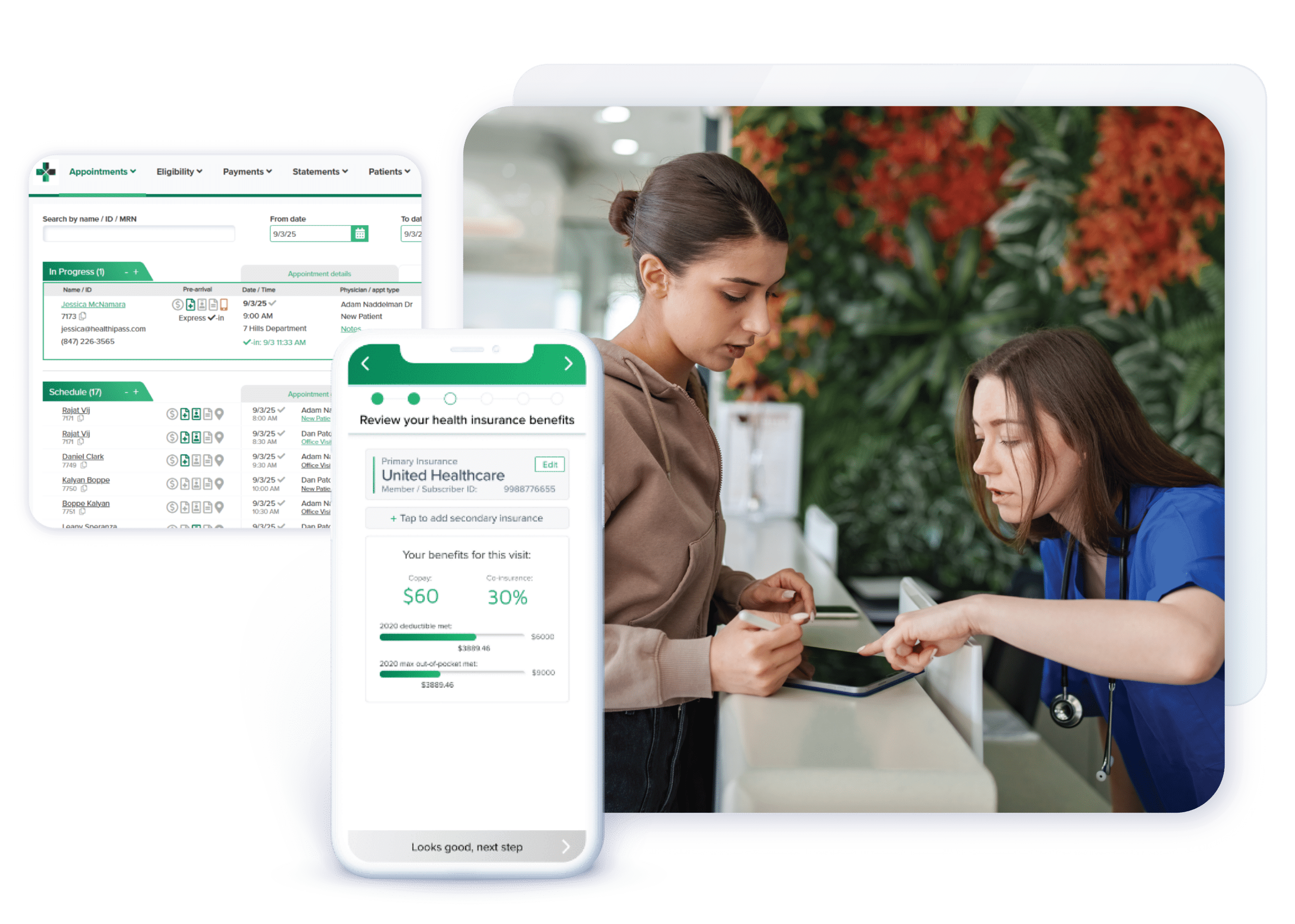
Bring appointment management into one dashboard to help staff organize the day’s work. Offer an optional self-service kiosk for in-office check-in, giving patients another way to complete intake while staff assist those who need help.
Capabilities for this workflow
Front Desk & Appointment Management Dashboard
Help staff organize appointment-related work in one dashboard.
Pre-Visit Digital Check-In
Help patients complete check-in steps before they arrive.
Appointment Reminders
Remind patients about upcoming visits and preparation steps.
Patient Broadcast Messaging
Share relevant practice updates with groups of patients.
Patient Self-Service Kiosk
Offer an optional in-office way to complete check-in steps.
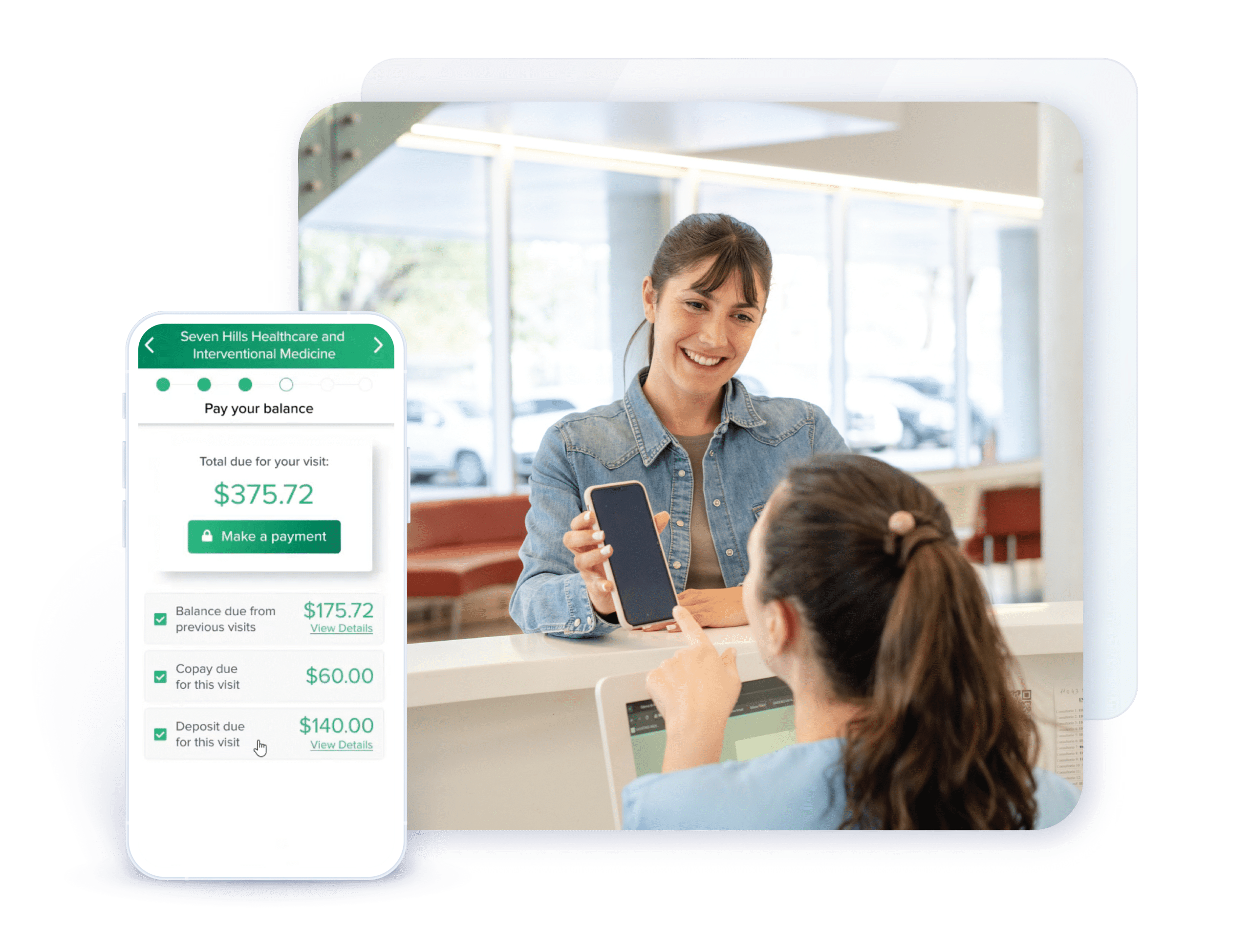
Digital Patient Forms
Let patients provide intake information digitally before their visit.
Pre-Visit Questionnaires & Screenings
Collect visit preparation responses before the appointment.
Two-Way Patient Messaging
Give patients and staff a way to exchange routine messages.
Patient Experience Surveys
Gather feedback to help identify opportunities to improve.
Common Questions About Patient Intake And Engagement
How does intake connect with insurance verification?
Eligibility verification supports visit preparation alongside digital intake. Financial Readiness explains the connected workflow. Your proposal defines the selected capabilities.
Is a kiosk required?
A kiosk is optional. Patients can complete digital intake before their visit, with kiosk options available for in-office check-in.
Can patients complete intake before their appointment?
Yes. Digital forms, pre-visit questionnaires and check-in steps let patients begin before arrival. Your practice’s selected services and configuration determine the available workflow.
How can patient messaging help our front desk?
Appointment reminders and two-way messaging help staff handle visit preparation and routine questions. Broadcast messaging supports relevant practice updates. Confirm the supported channels and configuration for your practice.
Will these workflows work with our PM or EHR?
Tell us which system you use and what you want to improve, even if your system is not listed. We’ll assess connection options and supported workflows for your setup. Available functionality varies by integration and selected services.
What does implementing digital patient intake involve?
Start with the intake steps you want to improve and the information your team needs before a visit. Review your selected services, PM/EHR connection and setup requirements, then plan configuration, testing, staff preparation and rollout with our team.
What should we plan for when moving from paper to digital intake?
Plan how staff will introduce the workflow, assist patients who need help and handle incomplete information. Keep a clear path for patients who need assistance at arrival. Discuss these needs during setup so the workflow fits your practice.
How should we compare digital intake with forms already in our PM/EHR?
Look at the complete workflow: how patients receive forms and reminders, what they can complete before arrival, how staff review outstanding steps and which information moves between systems. Tell us what already works and where your team needs help so we can assess whether Health iPASS adds value.
Results from practices like yours
Put Health iPASS To Work For Your Practice
Tell us where your team needs help. We’ll show you the relevant workflows and define the capabilities for your practice.