
Patient Scheduling Software for Your Practice
Health iPASS® helps patients request appointments online and keeps visit communication organized. Online scheduling powered by Relatient Dash provides an additional booking option for supported practice setups.
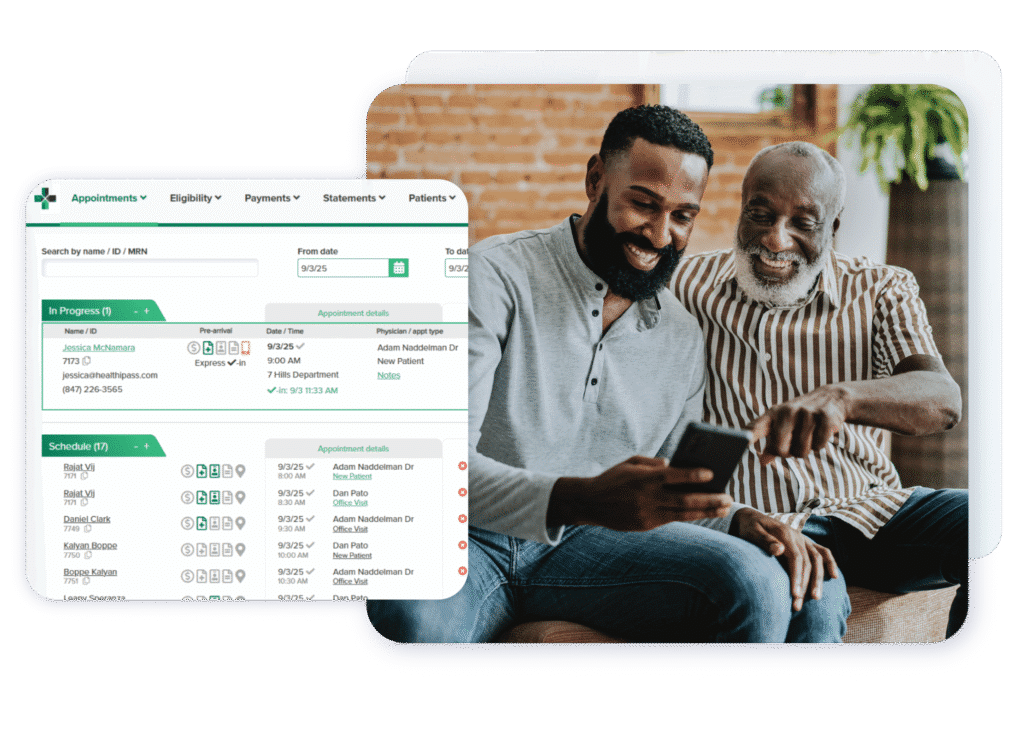
How it helps your practice
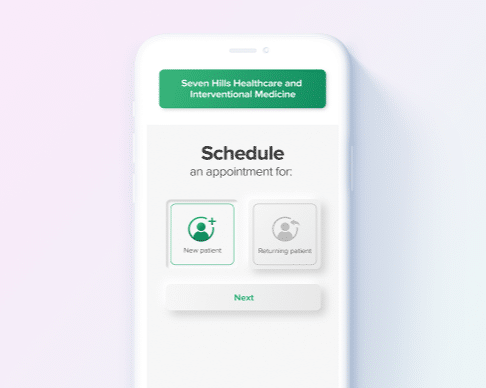
Request an appointment online
Online Appointment Requests give patients a way to ask for an appointment. A request is not the same as a confirmed booking.
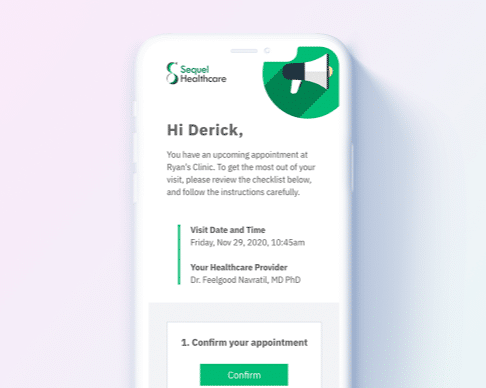
Offer online booking
Online scheduling powered by Relatient Dash gives patients a way to book appointments through supported workflows.
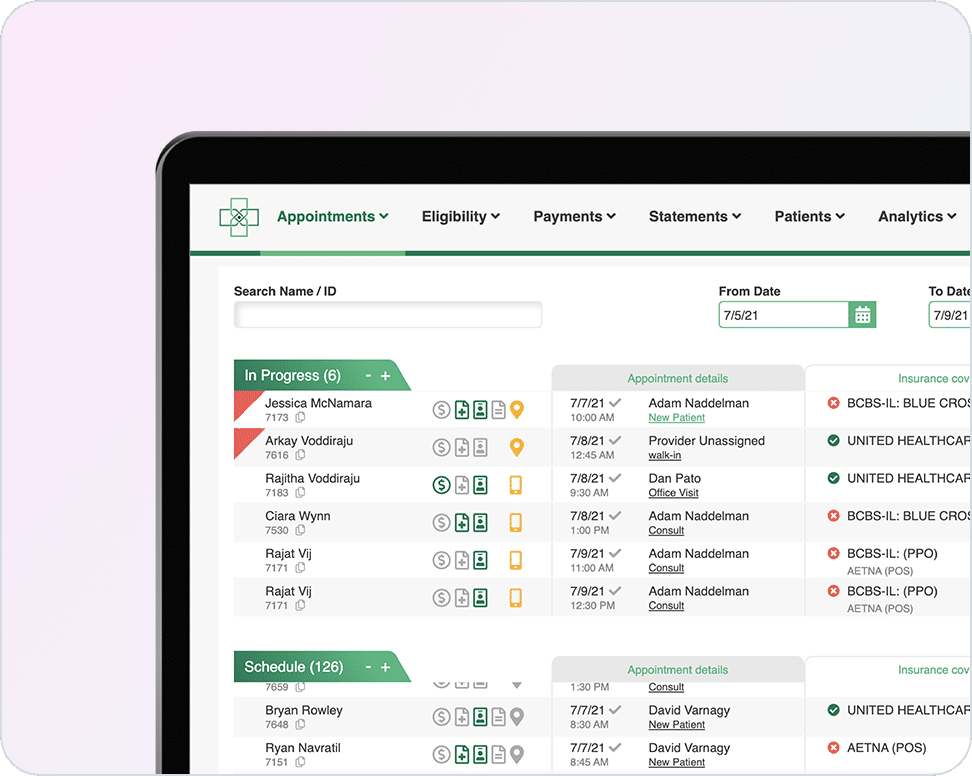
Keep staff and patients connected
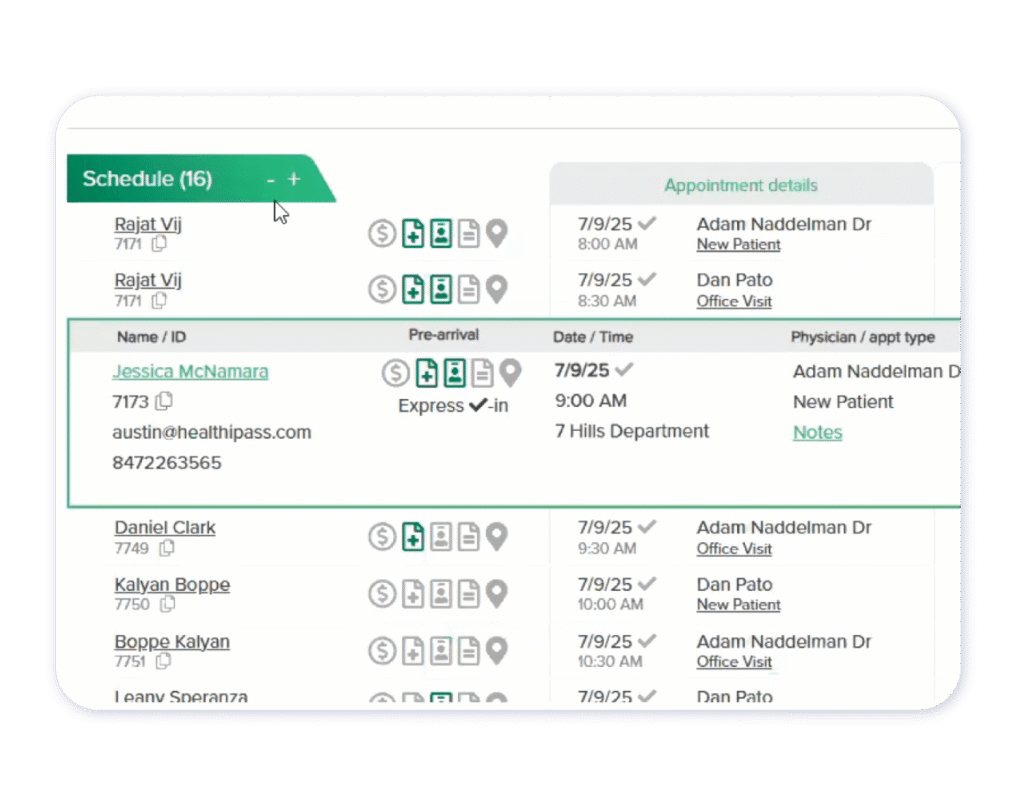
Use the Front Desk & Appointment Management Dashboard, appointment reminders and two-way patient messaging to support the visit workflow.
Appointment reminders that support visit preparation
Help patients remember upcoming appointments and prepare for their visit with appointment reminders. Use two-way patient messaging for routine questions and define how staff will handle responses and follow-up. Confirm supported reminder channels, timing and response options for your practice’s selected services, integration and configuration.
Capabilities for this workflow
Online Appointment Requests
Front Desk & Appointment Management Dashboard
Two-Way Patient Messaging
Online Scheduling - Powered by Relatient Dash
Appointment Reminders
Common questions
Is an online appointment request a confirmed booking?
No. An appointment request asks the practice for a visit; it does not confirm a time. Online booking is a separate workflow. Health iPASS supports appointment requests and, for supported practice setups, online scheduling powered by Relatient Dash. Availability depends on selected services, integration and configuration.
Who powers online scheduling?
Online Scheduling is powered by Relatient Dash. Confirm availability and integration requirements with our team.
What should we confirm about our PM or EHR integration?
Before selecting a scheduling workflow, confirm which PM or EHR connection is supported, whether patients submit requests or book available appointments, and how appointment information reaches staff. Also confirm how changes and cancellations are handled. Availability depends on selected services, integration and configuration.
What should our team plan before launching online scheduling?
Choose the appointment types and practice locations to discuss with your implementation team. Define who handles requests, how patients receive the next step, and how staff manage exceptions. Confirm the supported workflow, setup responsibilities and training needs before setting a launch date.
Put Health iPASS To Work For Your Practice
Tell us where your team needs help. We’ll show you the relevant workflows and define the capabilities for your practice.