
Collect patient balances with less follow-up
Health iPASS® healthcare patient payments let practices offer convenient ways to pay online, in the office, or by phone. Use card on file and authorized auto-pay to collect final visit balances, with payment plans and financing for larger balances.
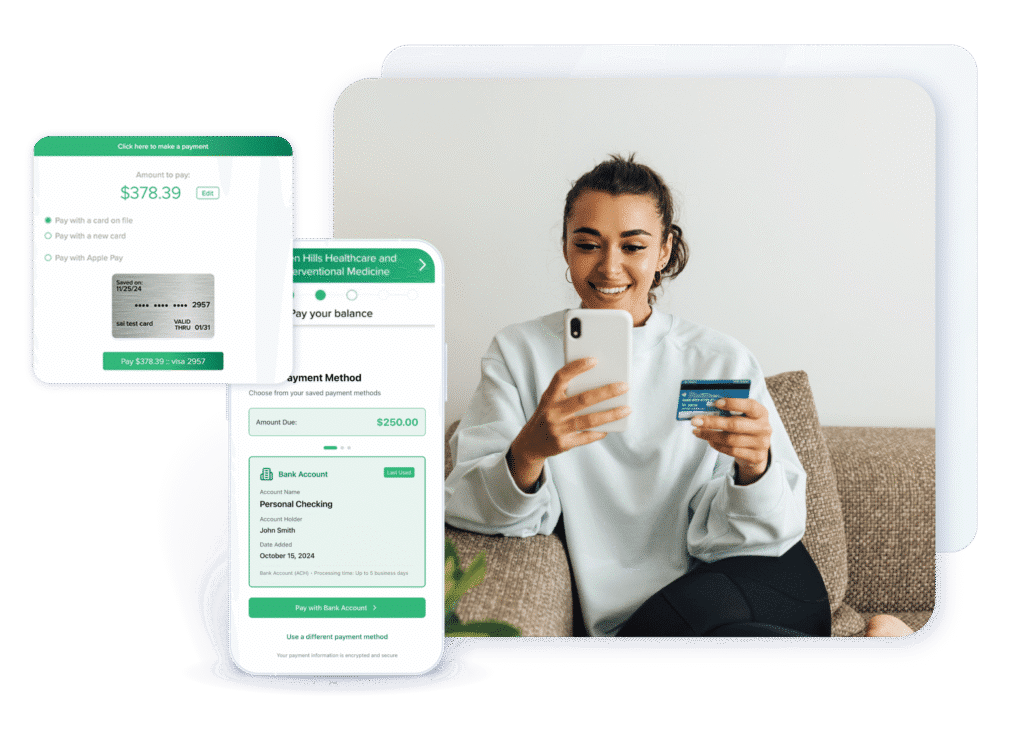
Convenient Ways for Practices to Collect Payments
Patient payments don’t all happen the same way, and your team shouldn’t have to track them manually. Health iPASS patient payment solutions bring payment links, in-office payments, website bill pay, authorized auto-pay, and payment plans into one workflow that connects with your practice management system or EHR, with availability varying by integration.
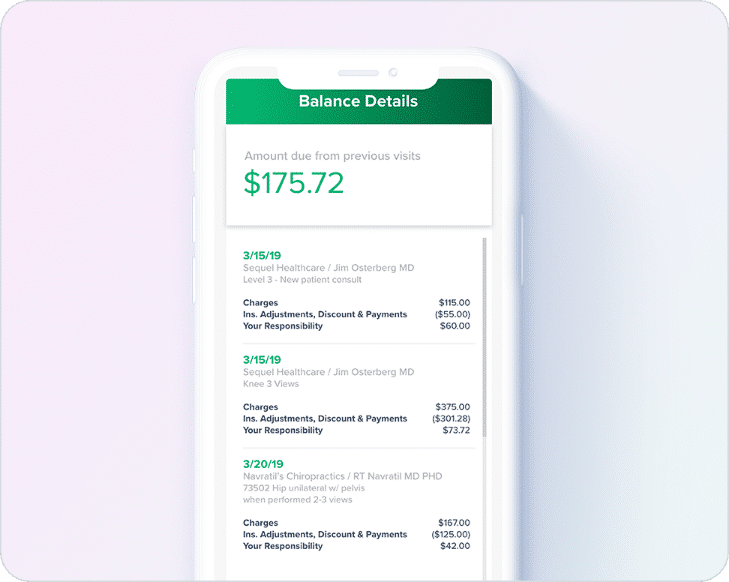
Authorized auto-pay after the visit
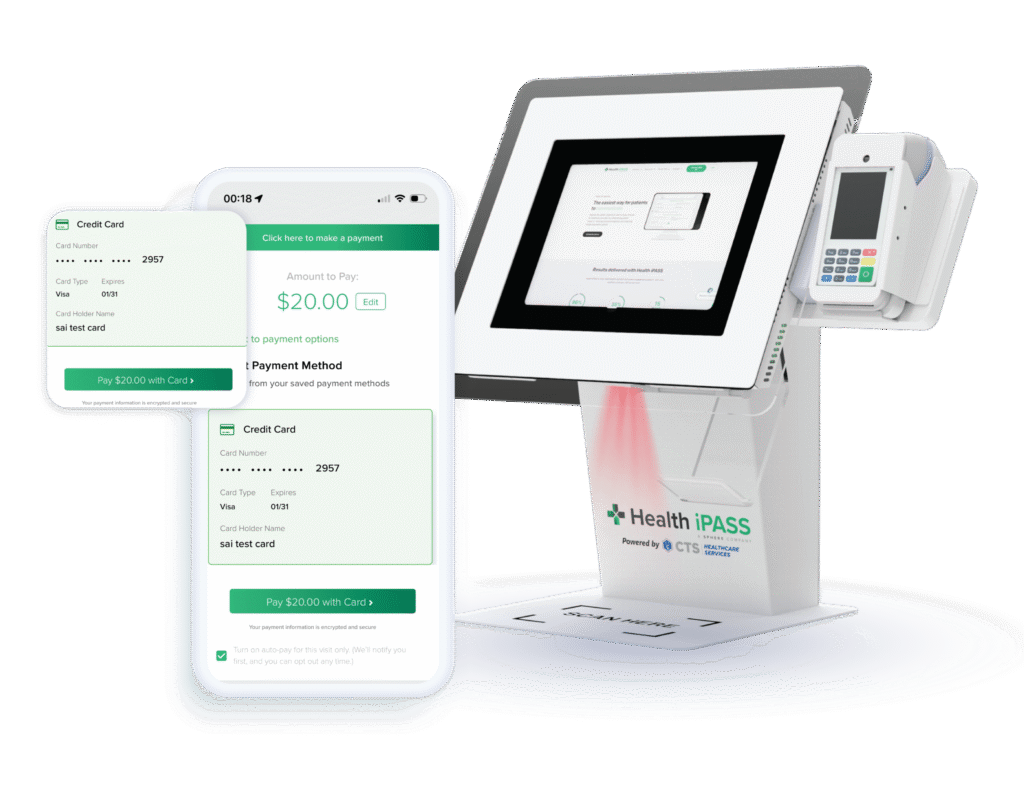
After adjudication, the practice management (PM) system sends balances ready for billing. Health iPASS confirms the card on file and prior patient authorization before processing automated patient payments.
- Capture a card on file with the patient’s authorization for post-visit payment
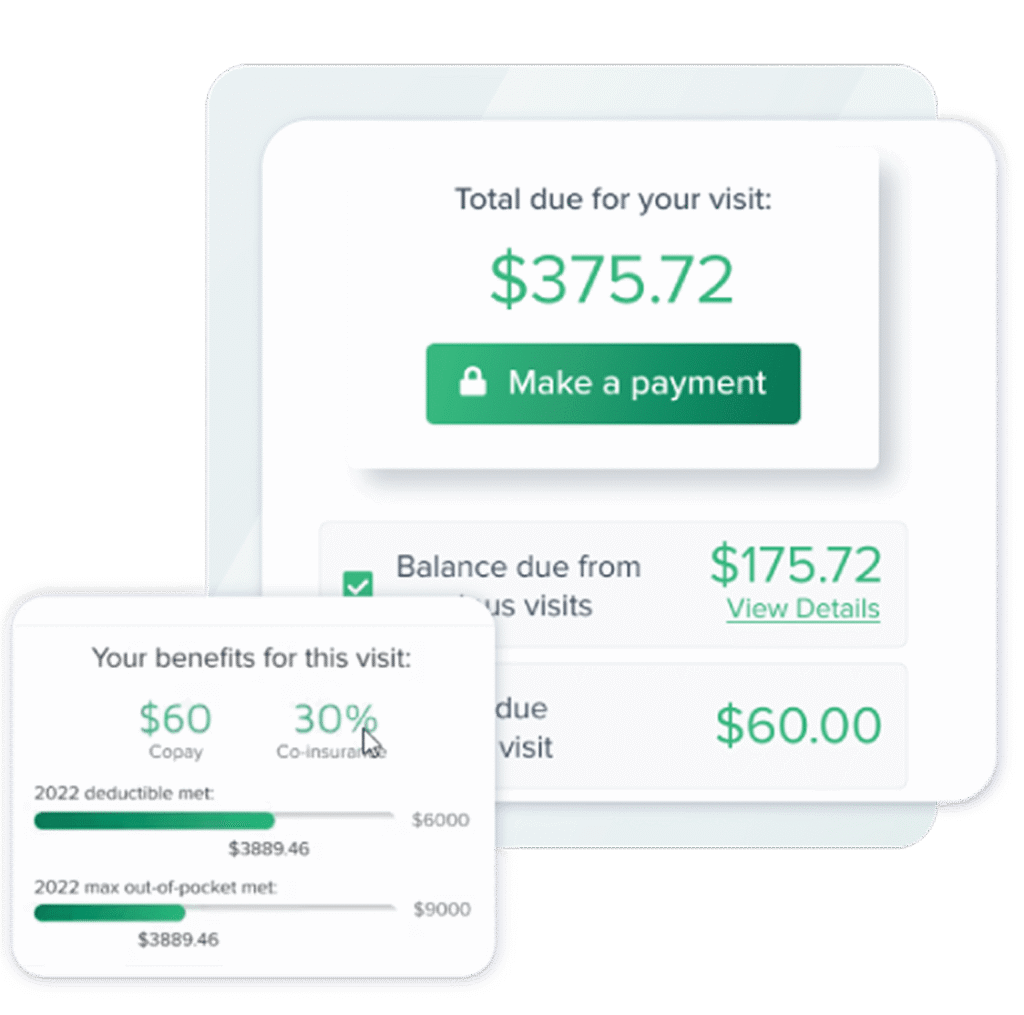
- Determine the final amount the patient owes for that visit
- Health iPASS charges the authorized card, reducing manual payment follow-up
For balances that stay open after the visit, explore patient billing and collections.
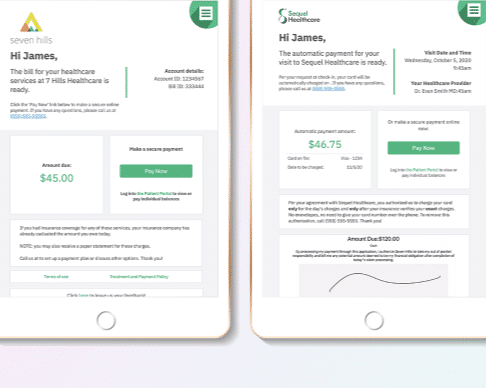
Payment options for your practice
Make online patient payments easy, with contactless options like text or email payment links and digital wallets. Staff can also take payments in the office or by phone.
- Use an on-demand payment link when a patient needs to pay remotely
- Use authorized auto-pay when the patient has agreed to a charge for the final visit balance
- Offer a native payment plan, managed by your staff, when a patient needs to pay in installments
For larger balances, Health iPASS also offers patient financing through Sunbit for eligible applicants. Third-party terms apply.
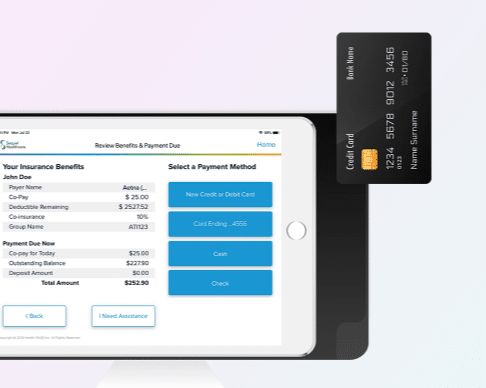
Merchant processing and payment gateway services
Support secure patient payments with integrated processing, whether you use Health iPASS or your own processor.
- Use Health iPASS patient payment processing as part of the payment workflow
- Keep your existing processor and connect it through healthcare payment gateway services
- Offer ACH payment acceptance through iStream, subject to applicable service terms
Your proposal defines the processing arrangement, applicable charges, and service terms.
Patient Payment Software Capabilities
Patient Billing Portal
Give patients a place to pay their balances online.
On-Demand Payment Links
Send a payment link by text or email so patients can pay without a portal login.
Virtual Terminal & Phone Payments
Take patient payments by phone with a virtual terminal.
Authorized Post-Visit Auto-Pay
Charge an authorized card on file for the final balance.
Patient Payment Plans
Set up and manage installment plans for patient balances.
Payment Gateway Services
Connect your existing processor through gateway services.
Website Bill Pay
Give patients a way to pay their balance from your practice's website.
In-Office Payments
Collect payments at the office during the visit.
Card on File
Keep a patient-authorized card on file for post-visit payment.
Digital Wallets, ACH & HSA/FSA Payments
Accept digital wallets, HSA/FSA payments, and ACH bank account payments.
Patient Financing
Offer financing through Sunbit for eligible applicants.
Integrated Merchant Processing
Connect merchant processing with your patient payment workflow.
Common Questions
Do patients need a portal or login to pay from a text message or email link?
No portal or login is needed to pay from a text or email link. Access to other balance details varies by integration.
Are payment plans and patient financing different?
Yes. Staff manage native payment plans. Sunbit financing is a separate service with third-party terms.
How do practices manage patient payment plans in Health iPASS?
Your staff can set up and manage installment plans for patient balances.
Your team decides which balances are eligible, how installments are scheduled, and who manages plans and follow-up. Payment amounts, due dates, and patient authorization are set before a plan begins. Schedule a consultation to review your current billing process, and we’ll show you how payment plans fit into your workflow.
Can we keep our existing payment processor?
Yes. You can use Health iPASS patient payment processing or connect your existing processor through gateway services. Your proposal defines the processing arrangement, applicable charges, and service terms.
How is Health iPASS priced?
Health iPASS pricing is based on the solutions you choose and how your practice operates. Tell us what you’re looking to solve, and we’ll put together a quote for your practice.
Put Health iPASS To Work For Your Practice
Tell us where your team needs help. We’ll show you the workflows that fit your practice and the capabilities that support them.